In this section I will talk about the projects that I have conducted in the graphics development field. These projects are directed to creating appealing visual effects often used in applications and video games, either interactive or not. Most of these effects are embedded in graphics pipelines that have been developed from scratch in C++, using OpenGL and Microsoft Visual Studio.
Advanced Real-Time Interactive Rendering Techniques
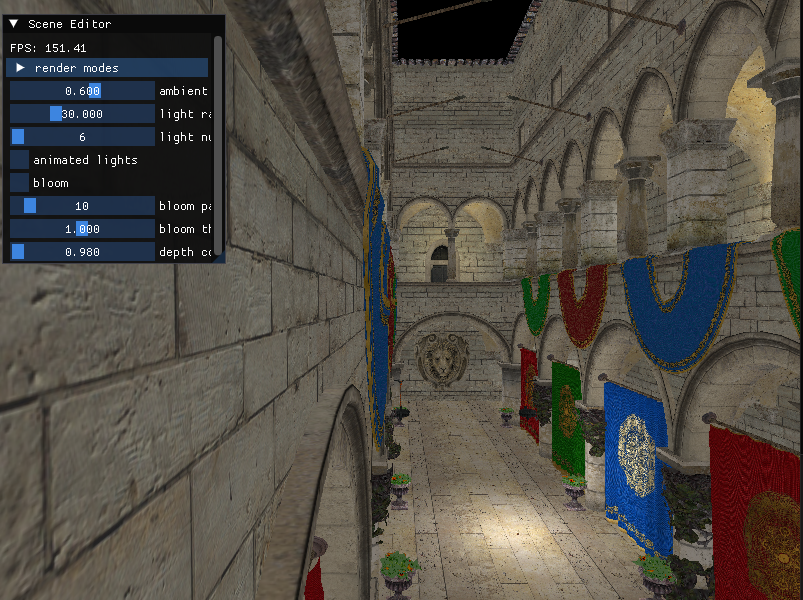
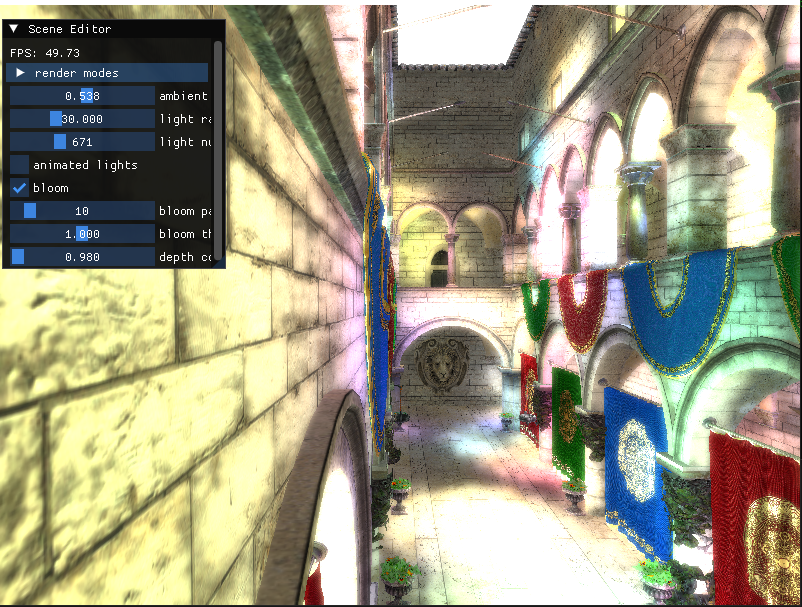
A 3D pipeline that comprises different rendering techniques often used for optimization while getting the best results possible. This pipeline showcases deferred rendering with dynamic lights and gaussian bloom, cascaded shadow maps for directional lights, decal mapping and ambient oclussion with bilateral filtering. In addition for my final implementation I added a special mode with which we can make use of Real-Time Pencil Rendering Techniques.
debug rendererer: tools for optimization
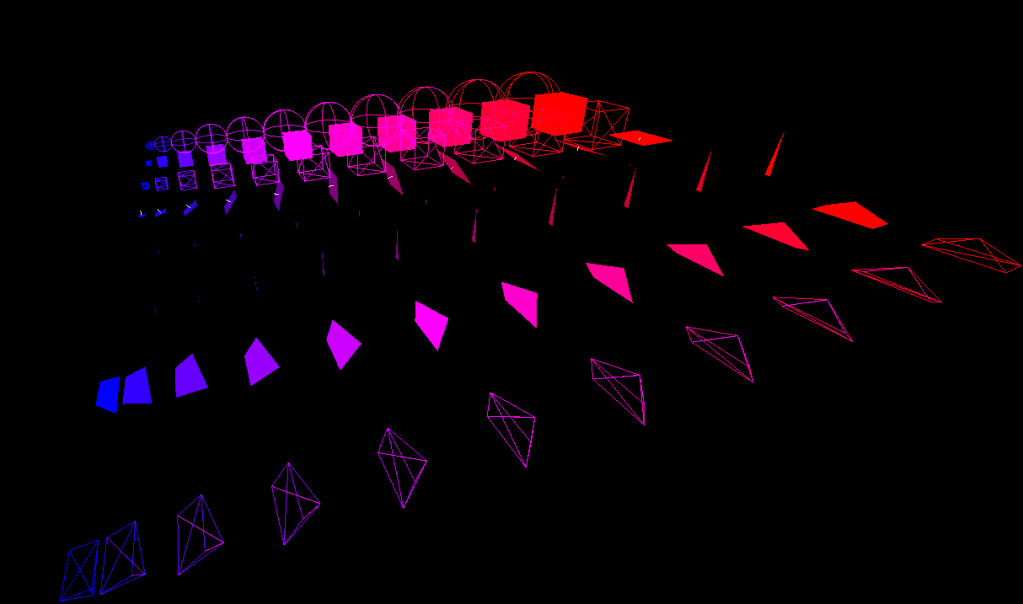
A 3D pipeline that is directed towards debugging. The effects that we seek are not visually appealing, we just want to visualize enough information for us to be able to efficiently debug, test and optimize with other tools: Bounding Volumes, Bounding Volume Hierarchies, Gilbert-Johnson-Kirthii Algorithm for Convex Shape Collisions and KD Trees for intersection acceleration.
3D Rendering: learning opengl
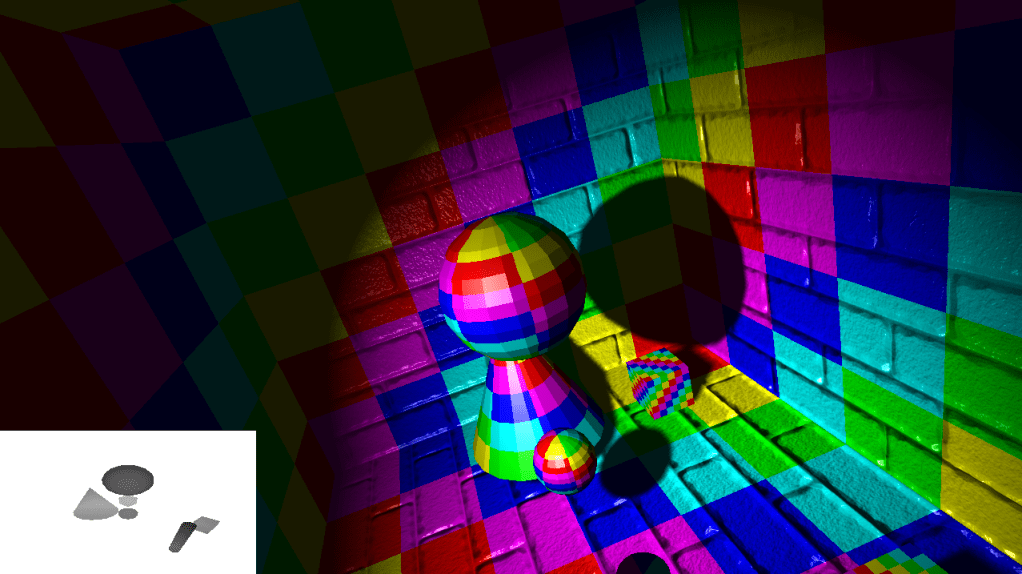
My first full 3D pipeline. This graphics engine served as my introduction to 3D rendering with the usage of OpenGL. The whole content is based on Learn OpenGL chapters that help us create the most common effects that a real-time application would need, displaying texture mapping, geometry loading and rendering, Phong Lighting with different light sources, Normal Mapping, Shadow Casting with PCF and Reflection/Refraction effects with the usage of cube maps.
2D RENDERING: FAKING 3D with sfml
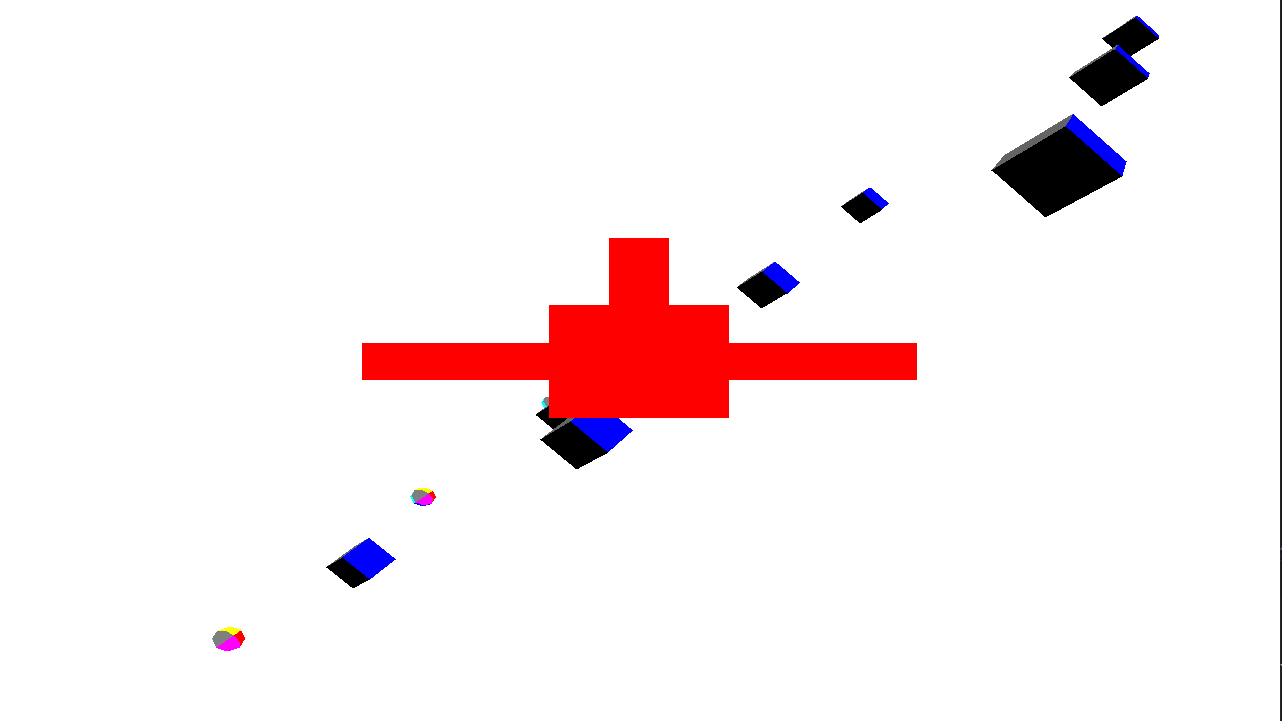
Introduction to 3D can be harsh without a strong base or a previous idea of the problems it will bring. This pipeline was directed to undrestanding how 3D pipelines work without actually having to deal with 3D libraries and APIs that can be really problematic. This is why SFML comes handy . With this pipeline we emulate all the interactive effects that cameras have in 3D, how really simple geometry transforms, how picking in screen space works…

2D RENDERING: understanding the rendering stages
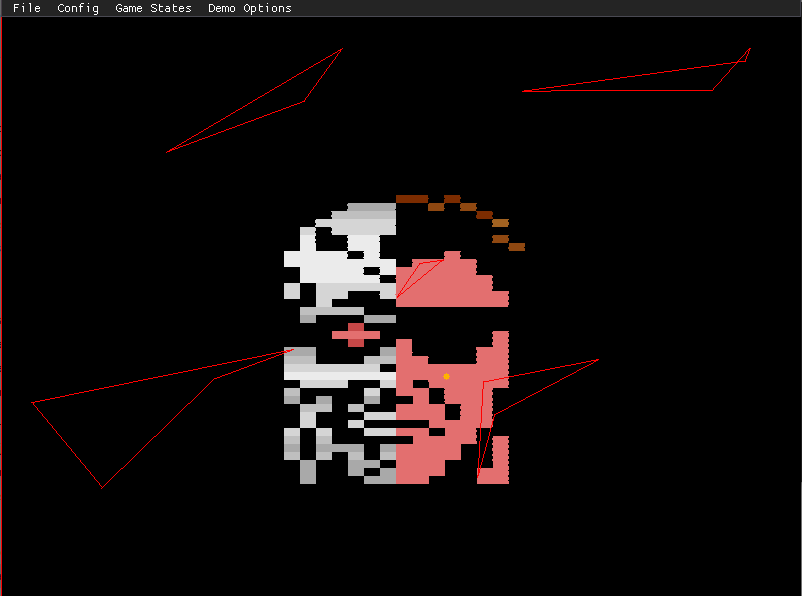
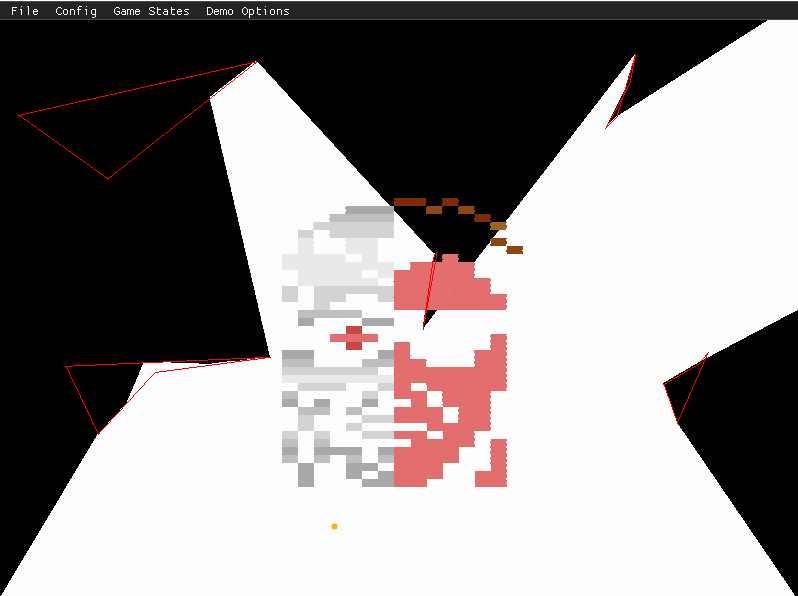
Understanding 2D rendering is basic when trying to work with graphics pipelines. Before entering into the 3D world it’s natural to understand what happens in a 2D environment.
 Markel Sevilla - Software Developer